AI VIRAL DANCE VIDEO STUDIO

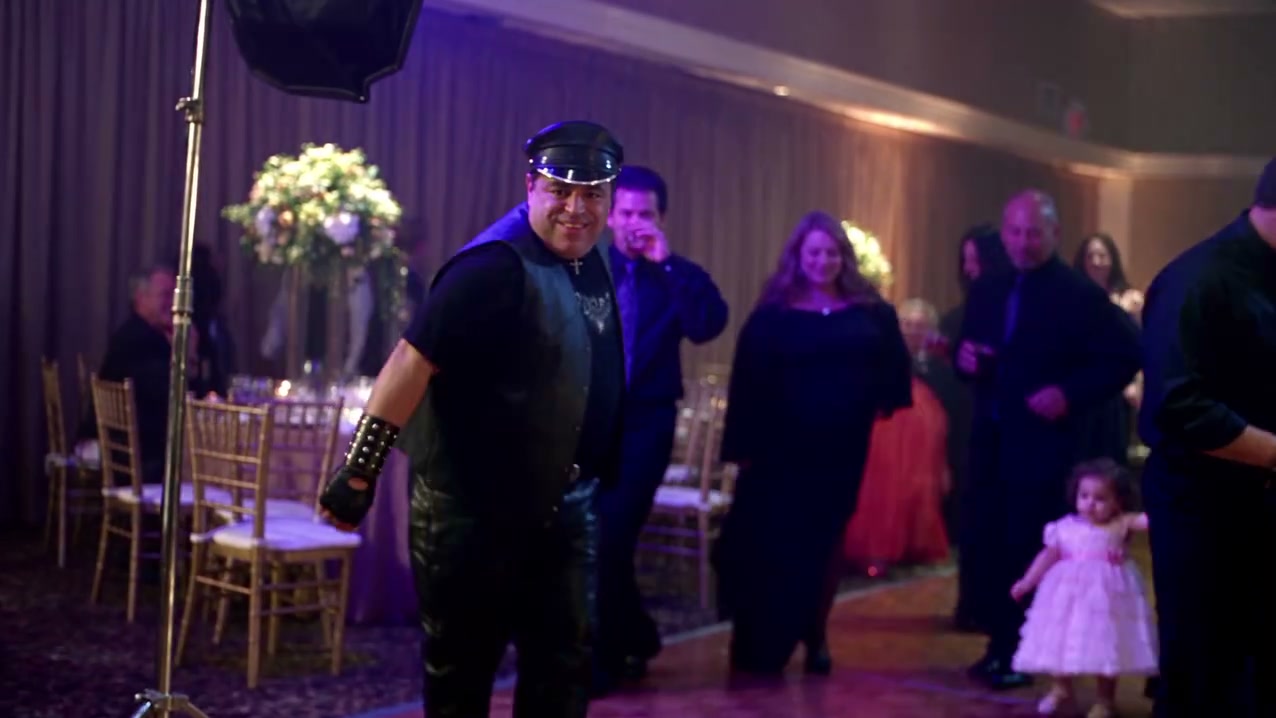
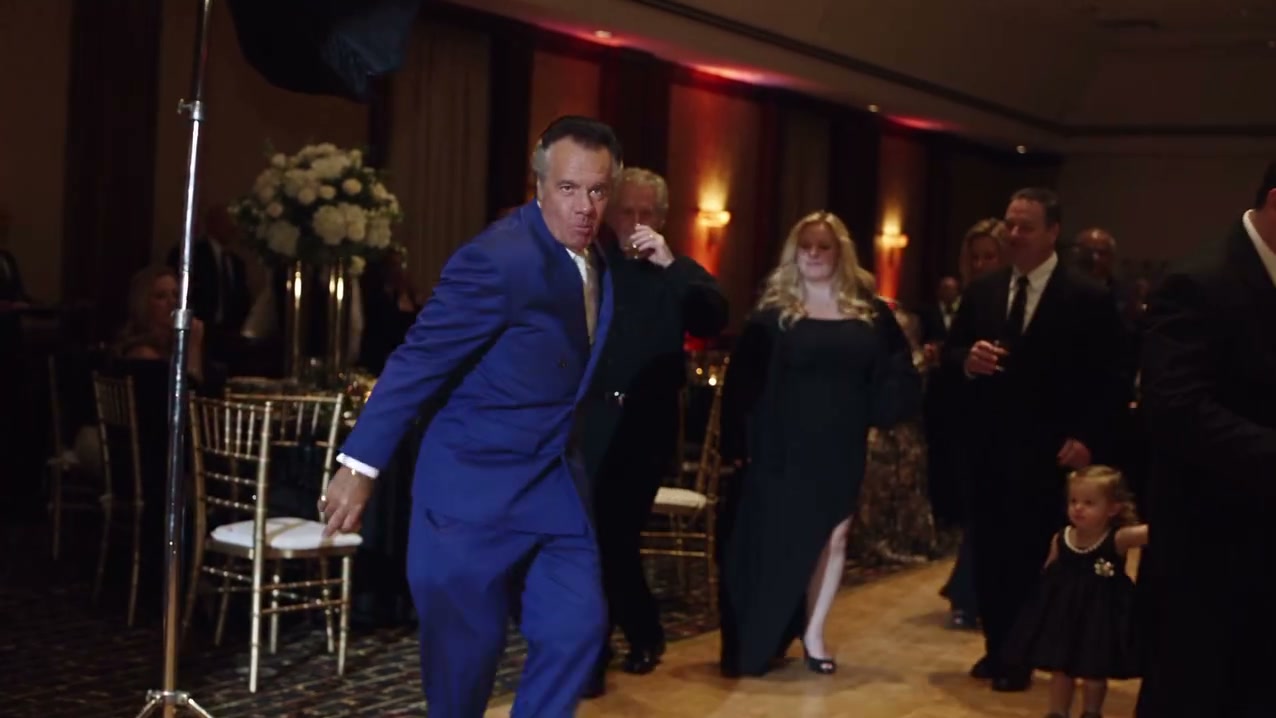
Star in the viral BbY WOW dance video

Upload one portrait photo and transform into the main performer. Authentic rhythm, natural lip-sync, and dynamic choreography.

Create your video

STUDIO READY

Upload one photo and turn it into a short video.

By uploading, you confirm you're 18+, have permission to use this photo (no celebrities), and agree to our Terms of Service and Privacy Policy.

Video Quality480P
45 credits · 480P · Need more credits? See pricing Pricing

What is BbY WOW AI?

TACTICAL INSIGHT // 01

BbY WOW AI is a dedicated video studio that places your likeness directly into the viral BbY WOW dance performance. Upload a single photo, press generate, and preview your custom video in minutes.

TACTICAL INSIGHT // 02

Every creation uses credits and delivers a ready-to-share clip with synchronized movements and vocal timing. Your generated videos are saved automatically in My videos for convenient playback and instant download.

Why we built BbY WOW AI

Viral music and dance trends take over feeds, but editing yourself into a trending clip usually takes hours of manual masking and VFX work. We built BbY WOW AI to make participation effortless.

Instead of complex keyframing or generic face-swaps, our engine maps your facial structure, identity, and expression onto the full choreography while preserving the exact cinematic camera movement and audio synchronization of the original track.

How it works

  1. 01PHASE 01

    Upload your photo

    Select a clear, front-facing portrait. Even lighting and sharp details give the cleanest visual blend.

  2. 02PHASE 02

    Create your video

    Hit Create video. Our pipeline analyzes your photo, aligns facial markers, and renders your dance sequence.

  3. 03PHASE 03

    Watch and share

    Preview your clip right in the studio. Save it directly to your camera roll from My videos and post anywhere.

Photo tips

Better inputs yield better videos. Follow these guidelines for crisp, high-fidelity results.

  • ✓Shoot in bright, even light — avoid harsh shadows across your face.
  • ✓Keep your face clearly visible, centered, and looking directly toward the camera.
  • ✓Use a high-resolution photo with neutral or solid background for best blending.
  • ✓Avoid heavy face filters, intense backlighting, or extreme head angles.
  • ✓Ensure your full head and shoulders are within the frame without obstruction.

Frequently asked questions

How long does generation take?

Most renders finish in 2 to 4 minutes. You can safely close or browse away from the page — completed videos appear automatically under My videos.

What kind of photo works best?

A high-resolution front-facing photo with natural lighting and no heavy filters gives the best results. Make sure your face is clearly visible and unobstructed.

How much does each video cost?

Each generation costs 45 credits. The exact credit cost is always displayed clearly on the Create button before submission.

Where can I find my finished videos?

All generated videos are stored under My videos in your top navigation. You can watch, share, or download them at any time.

What happens if generation fails?

If a generation job encounters an error or upstream timeout, your credits are automatically refunded to your balance.

Credits

One balance for everything. Each video costs credits depending on resolution; top up anytime.

Starter

$4.99/ one-time pack

50 credits

  • Makes 1× 480P standard video
  • Standard queue processing
  • Fixed 480P standard export
  • 14-second beat-locked motion sync
  • Full commercial usage rights

Google sign-in required at checkout

Creator

MOST POPULAR
$12.90/ one-time pack

140 credits

  • Makes 1× 720P HD video (or up to 3× 480P)
  • Priority generation queue
  • 720P / 1080P high-definition export
  • 14-second beat-locked motion sync
  • Full commercial usage rights

Google sign-in required at checkout

Studio

$24.90/ one-time pack

280 credits

  • Makes 1× 1080P Ultra (or up to 6× 480P)
  • Fastest priority processing
  • Full resolution unlocks up to 1080P
  • 14-second beat-locked motion sync
  • Full commercial usage rights

Google sign-in required at checkout

Ready to see your photos in motion?

It takes less than a minute — upload a photo and press Create.

Start creating